Free Bass Practice Drills for Bass Clef, Timing, and Clean Repetition
Practice 5-string bass drills from easy to hard with notation, real note playback, chord names above the staff, loop mode, tempo controls, and clean chord-progression exercises built for practical daily practice.
Use these Bass Practice Drills to practice chord progressions, arpeggios, timing, note reading, looped playback, and real bass note audio.
Best Bass Practice Flow
Tune the bass, choose a drill, play the first note, then loop the pattern until the bass line feels automatic.
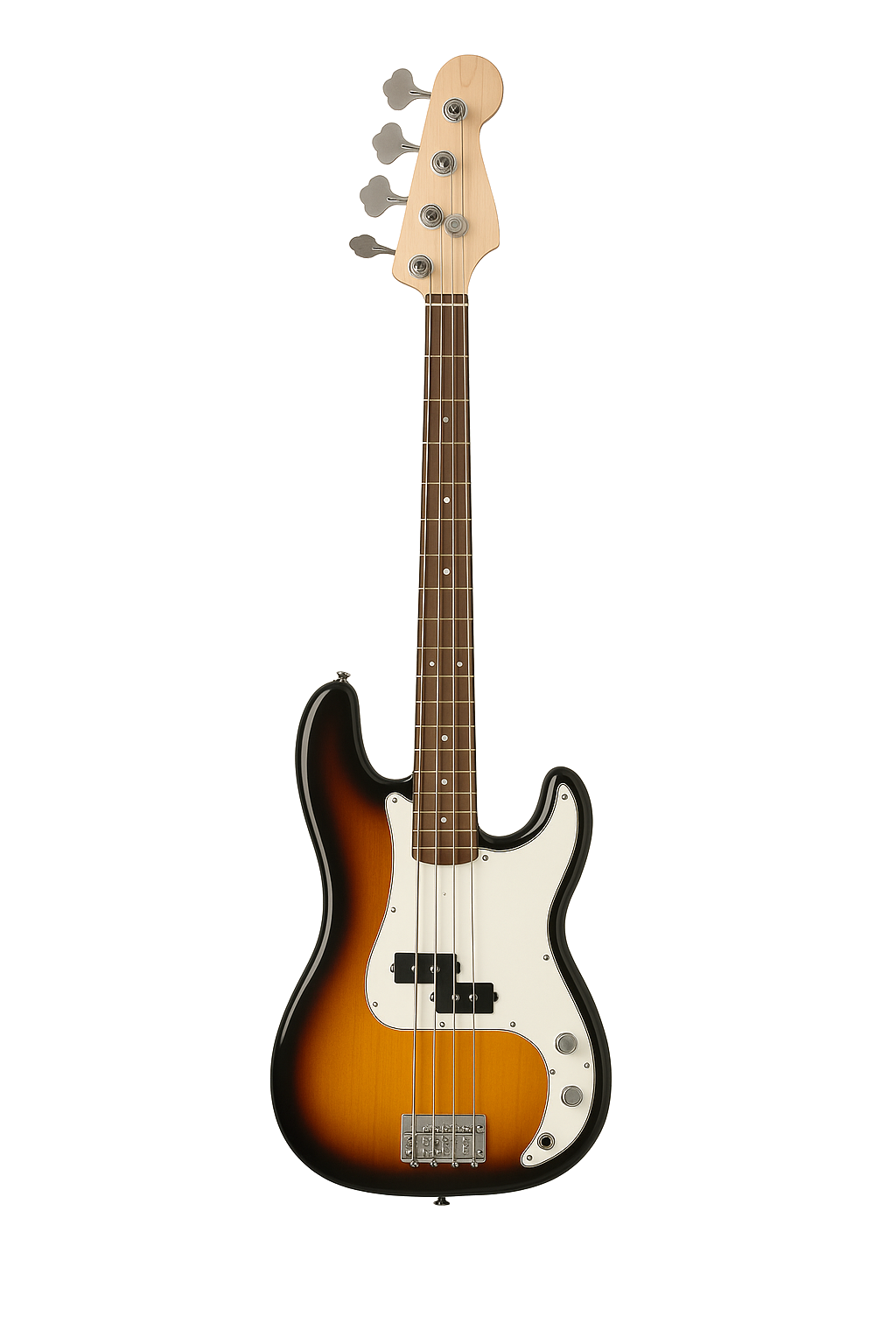
5-String Bass Practice
These drills focus on bass clef reading, arpeggio motion, interval jumps, note accuracy, and clean repetition for bass guitar. The practice tool below uses the same centered staff layout and green note highlighting as the new practice-drill system.
Bass Practice Drills
Choose a drill, follow the chord names above the staff, and use real audio playback to lock in chord-change timing. These drills use single-note arpeggios so the page can play each note clearly.
Choose a Drill
Each card targets a different bass skill: open strings, stepwise motion, intervals, arpeggios, and sequences.
Active Drill
Ready
Select a drill to begin.
Helpful Bass Tools
Use these tools together as a bass practice loop instead of treating each page as separate.
What These Drills Train
These are not random exercises. They are chord-progression drills that train timing, note awareness, chord movement, arpeggio control, and repetition discipline.
Bass Practice Drills FAQ
Quick answers for using these bass practice drills effectively.
Is bass guitar written in concert pitch?
Bass guitar is typically written one octave higher than it sounds. This page focuses on written bass clef notation.
Are these drills staff-based?
Yes. These Bass Practice Drills use staff notation, highlighted playback, tempo buttons, and loop mode like the new practice-drill system.
Do these drills use pitch shifting?
No. Each note expects its own audio file in sounds3/ for more realistic playback.
Can I loop a drill?
Yes. Toggle Loop On and the drill will restart automatically until you press Stop.
Why does the staff scroll during playback?
The staff scrolls so the green highlighted note stays visible while the drill plays.
Turn Bass Practice Into a Repeatable System
Tune first, run a drill, loop the hard section, then connect the same notes to bass scale patterns.