Free Online Cello Tuner for Standard and Shifted Tunings
Tune your 4-string cello with clean reference pitches on Protuningtool.com. Start with standard C G D A, shift the tuning up or down, hear each string one at a time, or play the full set in order before practice.
Use this cello tuner to hear C2, G2, D3, and A3 reference pitches for a standard 4-string cello.
Best Way to Use This Tuner
Tune first, then move straight into scales, drills, and other cello work while your instrument is still ready to go.
Cello Tuner
Click any string to hear its reference pitch. Click the same string again to stop. Use Tuning Shift for half-step and whole-step changes, or use Play All Strings to hear the full tuning sequence.
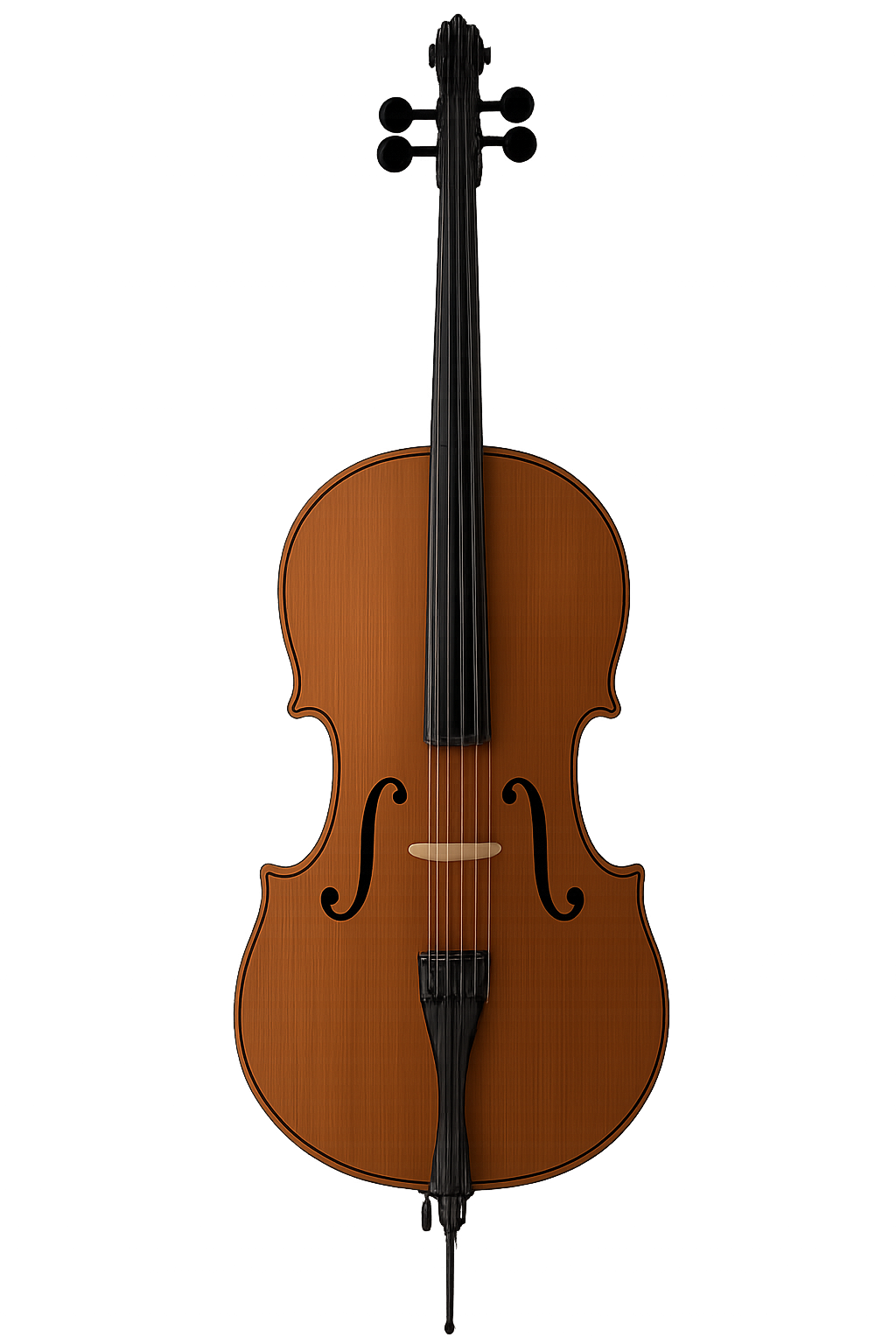
4-String Cello Reference
Use this tuner for everyday cello setup, warmups, scale work, bowing practice, and rehearsal prep. Tuning before you play saves time and makes everything else sound better.
Helpful Cello Tools
Once your cello is in tune, keep the momentum going with tools that fit naturally into the same practice session.
Cello Tuner FAQ
Quick answers for using this cello tuner effectively.
What is standard tuning for a 4-string cello?
Standard tuning is C2, G2, D3, A3, moving from the lowest-pitched string to the highest-pitched string.
How do I use this online cello tuner?
Click a string button to hear that pitch. Match your cello string to the reference sound. Click the same button again to stop, or use the Stop button to silence everything.
What does Tuning Shift do?
Tuning Shift moves all the reference pitches together. That helps if you want to tune down a half step, down a whole step, up a half step, or up a whole step.
What is Play All Strings for?
Play All Strings gives you the full sequence of string pitches one after another. It is useful for checking the whole cello quickly before you start playing.
Keep Going After You Tune
A tuned cello is the starting point, not the finish line. Jump into scale finding and cello practice drills while your instrument is already dialed in.