Free Bass Scale Finder for 4-String, 5-String, and 6-String Practice
Explore bass scales on 4-string, 5-string, and 6-string fretboards with Protuningtool.com. Choose your string count, key, and scale, hear real note samples, flip the view for left-handed playing, and use the built-in play mode and metronome tools to practice with more control.
Use this Bass Scale Finder to view notes on a bass fretboard, switch between 4-string, 5-string, and 6-string layouts, and practice with note playback and metronome features.
Best Way to Use This Scale Finder
Tune first, choose your string count, map the scale, then run it with playback and metronome tools while your bass is still in tune.
Bass Scale Finder
Select your string count, key, and scale to highlight every in-scale note on the bass fretboard. Click notes for individual playback, use Play Mode for automatic runs, and practice against the built-in metronome.
Fretboard View
Highlighted notes belong to the selected scale. Click any active note to hear it.
Built-In Metronome
Set the tempo, choose a time signature, and keep your scale practice locked in while you work through the fretboard.
Bass Reference
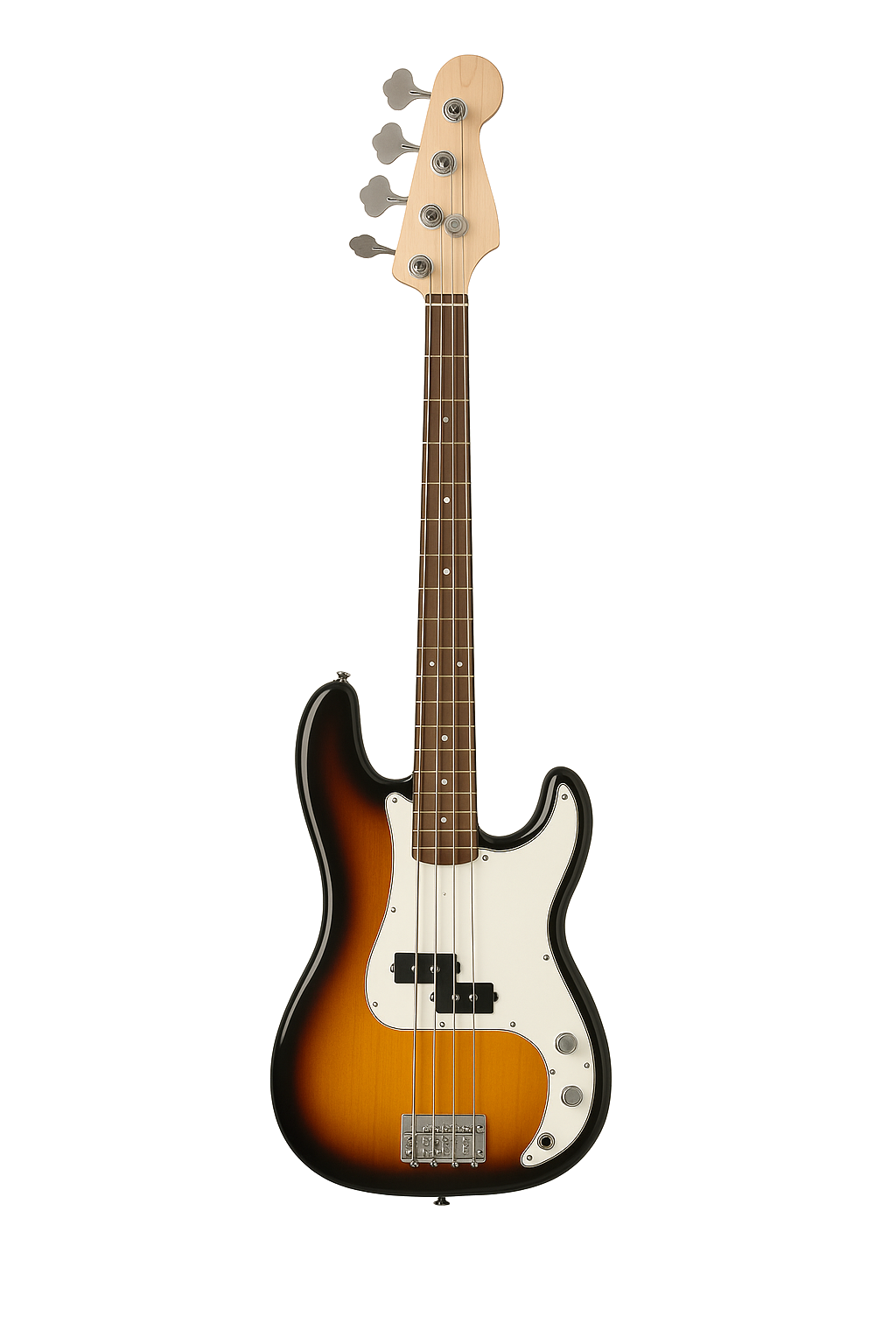
This tool supports standard 4-string bass tuning E A D G, 5-string bass with low B, and 6-string bass with low B and high C. Use it to connect ear training, fretboard mapping, and practical scale repetition.
Helpful Bass Tools
Once you map the scale, keep moving with tools that naturally fit the same practice flow.
About the Sample Audio
This scale finder is designed to work with real note files rather than fake pitch shifting. That keeps the playback more realistic for actual bass practice.
Bass samples used in the bass scale finder tool are courtesy of the FreePats project and are licensed under the Creative Commons CC0 1.0 Universal Public Domain Dedication. Original samples were recorded by FSBS using a Fender electric guitar in 2022.
Bass Scale Finder FAQ
Quick answers for using this bass scale finder effectively.
Which bass tunings does this Bass Scale Finder support?
This tool supports standard 4-string bass tuning E A D G, 5-string bass with low B, and 6-string bass with low B and high C.
Can I hear each note in the scale?
Yes. Click any highlighted fretboard note to hear it. The tool is designed to use real note sample files instead of pitch-shifted sounds.
Does this tool support left-handed players?
Yes. Turn on Left-Handed mode to flip the fretboard layout.
What scale types are included?
This Bass Scale Finder includes major, natural minor, harmonic minor, melodic minor, pentatonic major, pentatonic minor, blues, dorian, phrygian, lydian, mixolydian, and locrian.
What does Play Mode do?
Play Mode can run the selected scale ascending once, ascending then descending once, or ascending on a loop until you stop it.
Why do some notes not make sound?
If a matching audio file is missing, that note may stay silent. The player tries both symbol and word-based sharp naming formats when loading files.
Keep Going After You Find the Scale
Mapping the scale is only the start. Tune up, practice the pattern, and move straight into bass drills while everything is fresh.