Free Violin Scale Finder for Clear Fingerboard Practice
Map scales across a 4-string violin fingerboard, hear real note samples with no pitch shifting, flip to left-handed view, reveal non-scale notes when needed, and practice with built-in play mode and metronome tools on Protuningtool.com.
Use this Violin Scale Finder to build and hear violin scales, view notes across the fingerboard, show all notes, flip to left-handed view, and practice with metronome timing tools.
Best Way to Use This Scale Finder
Tune first, choose your key and scale, map the fingerboard, then run the pattern with playback and metronome tools while the violin is ready.
Violin Scale Finder
Select a key, scale, and playback options to build the fingerboard view. Click any highlighted note for individual playback, use Play Mode for automatic runs, and practice against the built-in metronome.
Fingerboard Map
Highlighted cells belong to the selected scale. Click any gold note to hear it instantly.
Staff View
Quick visual support for the selected scale.
Built-In Metronome
Set the tempo, choose a time signature, and keep your scale practice steady while you work through the pattern.
Violin Reference
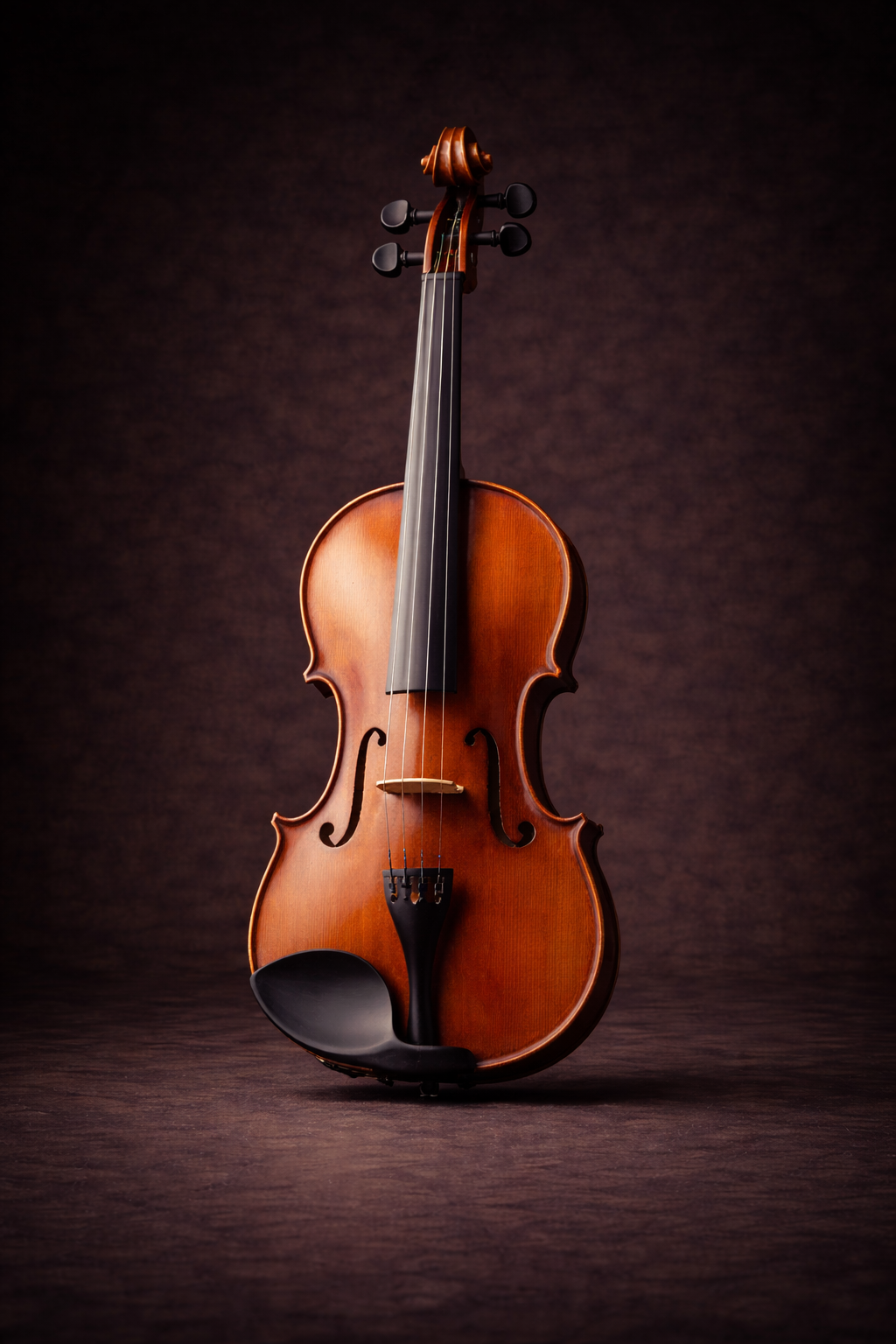
This tool supports standard 4-string violin tuning: G3, D4, A4, and E5. Use it to connect scale recognition, fingerboard awareness, ear training, and steady repetition practice.
Helpful Violin Tools
Once the scale is mapped, keep moving with tools that naturally fit the same practice flow.
About the Sample Audio
This scale finder uses real recorded violin notes instead of pitch shifting. That keeps playback realistic and useful for actual practice.
Violin samples used in this tool are courtesy of the Philharmonia Orchestra and are provided under the Creative Commons Attribution-ShareAlike 3.0 license. These samples must not be redistributed as raw sample packs.
Violin Scale Finder FAQ
Quick answers for using this violin scale finder effectively.
Which tuning does this tool support?
Standard violin tuning: G3, D4, A4, and E5.
Does this use pitch shifting?
No. Each note is a real sample for accurate playback.
Can I flip the fingerboard?
Yes. Enable Left-Handed View to reverse the string layout.
What does Show All Notes do?
It reveals non-scale notes in a muted color for comparison.
What does Play Mode do?
It plays the scale ascending, ascending/descending, or loops it continuously.
Keep Going After You Find the Scale
Build the scale, hear every note, then move straight into drills while your fingers and ears are locked in.