Free Oboe Scale Finder for Clear, Practical Scale Practice
Build concert-pitch oboe scales, hear real note samples with no pitch shifting, switch between one- and two-octave runs, and practice with built-in play mode and metronome tools on Protuningtool.com.
Use this Oboe Scale Finder to build concert-pitch oboe scales, hear real note playback, change note spelling, and practice with metronome timing tools.
Best Way to Use This Scale Finder
Tune first, build the scale, then run it with playback and metronome tools while the instrument is ready.
Oboe Scale Finder
Select key, scale, octave count, and note spelling to build the concert-pitch scale. Click any note for individual playback, use Play Mode for automatic runs, and practice against the built-in metronome.
Scale Notes
Highlighted note pills belong to the selected concert-pitch scale. Click any note to hear it.
Built-In Metronome
Set the tempo, choose a time signature, and keep your scale practice steady while you work through the pattern.
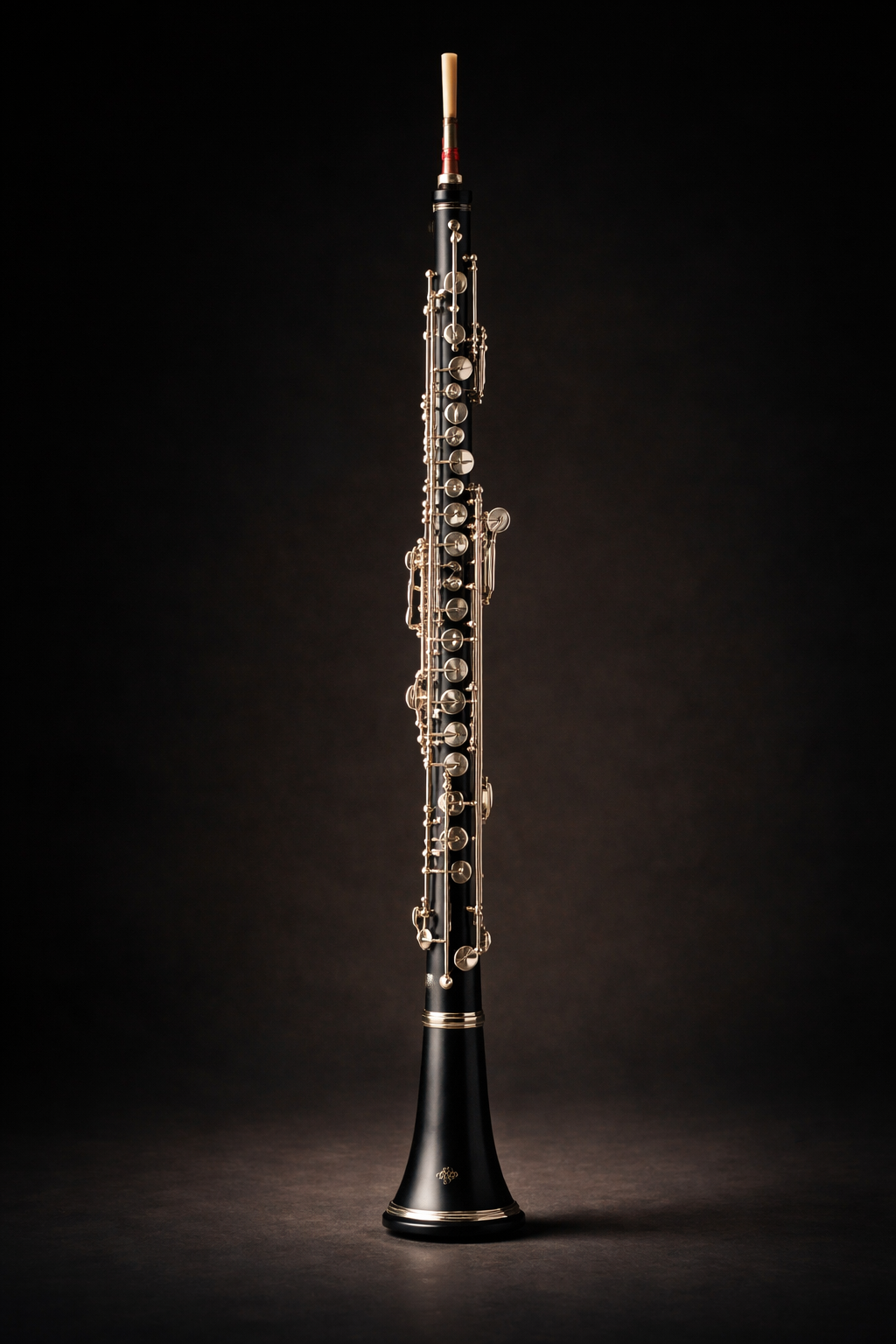
Oboe Reference
This tool supports concert-pitch oboe scale work. Use it to connect scale recognition, note spelling, ear training, and steady repetition practice.
Helpful Oboe Tools
Once the scale is mapped, keep moving with tools that naturally fit the same practice flow.
About the Sample Audio
This scale finder is designed to work with real note files rather than fake pitch shifting. That keeps playback more realistic for actual oboe practice.
Oboe samples used in this Oboe Scale Finder are courtesy of the Philharmonia Orchestra and are provided for use under the Creative Commons Attribution-ShareAlike 3.0 Unported license. These samples must not be redistributed as raw samples or a sampler pack.
Oboe Scale Finder FAQ
Quick answers for using this oboe scale finder effectively.
Is oboe a concert-pitch instrument?
Yes. Oboe is a non-transposing instrument, so the written note matches the sounding concert pitch.
Does this tool use pitch shifting?
No. It is designed to use real per-note sample files instead of pitch shifting so playback stays more realistic.
Can I hear scales in one or two octaves?
Yes. Choose one octave or two octaves, depending on the scale and the practical range of the oboe.
Can I control note spelling?
Yes. Use Auto for key-aware spelling or force sharps or flats.
What does Play Mode do?
Play Mode can run the selected scale ascending once, ascending then descending once, or ascending on a loop until you stop it.
Why might a note stay silent?
If a matching audio file is missing, that note may not play. The loader tries both symbol-based names like G#4.wav and word-based names like Gsharp4.wav.
What range does the tool use?
It stays inside a practical oboe range, roughly B♭3 through A6, so the generated scales remain usable.
Why do enharmonics change from G♯ to A♭ sometimes?
The tool adapts spelling to the chosen key to keep note names musical. You can override that with the note spelling control.
Keep Going After You Find the Scale
Building the scale is only the start. Tune up, hear every note clearly, and move straight into oboe drills while everything is fresh.