Free Online Metronome for Timing, Tempo, and Steady Practice
Set your BPM, choose the number of beats per measure, and practice with clear click sounds plus visual beat indicators that keep the downbeat easy to follow.
Use this Online Metronome to practice tempo, BPM control, time signatures, visual beat tracking, and steady rhythm.
Best Practice Flow
Start slow, keep the beat steady, then raise the tempo only after the rhythm feels relaxed and repeatable.
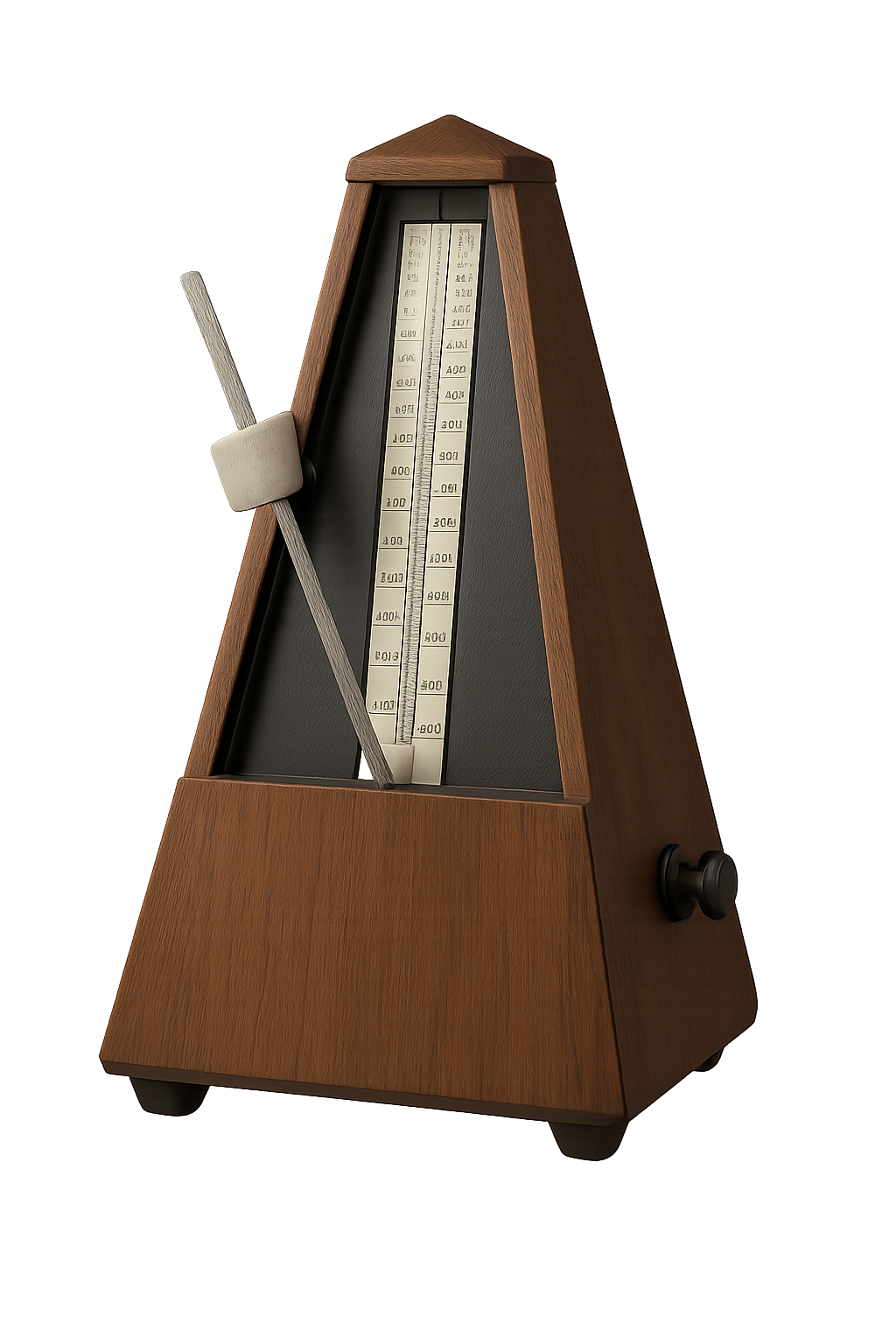
Tempo Practice Tool
A metronome is brutally honest: either your timing stays steady, or it drifts. Use the downbeat accent and visual dots to stay oriented while you build cleaner rhythm control.
Online Metronome
Set your tempo, choose beats per measure, then use the click and visual beat dots to lock in steady timing.
Run the Metronome
Choose tempo and beats per measure, then press Start.
Helpful Timing Tools
Use these pages together when you want timing practice to become a complete music workout.
What This Metronome Builds
This tool trains timing honesty. The click shows whether your rhythm is steady, whether you rush transitions, and whether you can feel the downbeat.
Online Metronome FAQ
Quick answers for using this metronome effectively.
What is a metronome used for?
A metronome helps musicians keep a consistent tempo while practicing or performing music.
How do I use this metronome?
Set your desired BPM and beats per measure, then press Start. You will hear clicks and see visual beat indicators.
Can I change the time signature?
Yes. Choose 2, 3, 4, or 6 beats per measure from the dropdown.
Why is the first beat different?
The first beat of each measure is the downbeat. It uses a higher click so you can stay oriented inside the measure.
What BPM should I start with?
Start slower than you think. A clean 80 BPM is more useful than a sloppy 140 BPM.
Turn Timing Practice Into a Repeatable System
Set the click, lock the downbeat, then apply the same pulse to chords, scales, rhythm drills, and full songs.