Free Snare Drum Practice Drills for Timing, Accents, and Odd Meter Control
Practice snare drum drills from easy to hard with measure visuals, grouping lines, accent targets, optional core rests, loop mode, tempo controls, and tap feedback for tightening your internal pulse.
Use these Snare Drum Practice Drills to practice rhythm, barline orientation, group starts, rests, accents, and tap timing feedback.
Best Practice Flow
Treat this like a timing workout: pick the meter, lock the accent target, add rests only after the plain version feels stable.
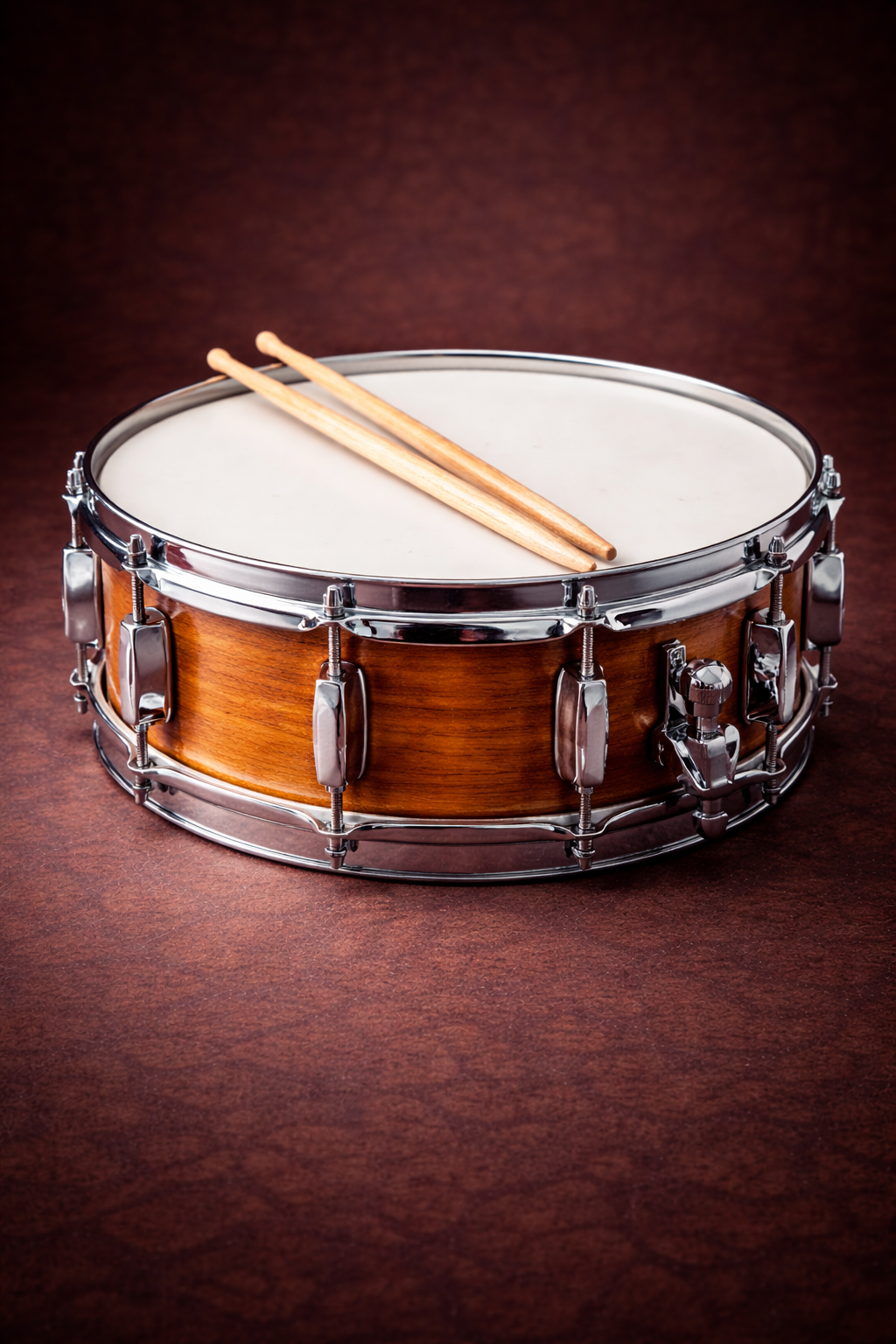
Snare Drum Rhythm Practice
These drills focus on barline control, accent placement, hand-to-hand consistency, odd meter grouping, core rests, and staying steady through silence. The drill grid is widened so the full measure pattern remains clear.
Snare Drum Practice Drills
Choose a drill, follow the measure grid, and use loop mode to repeat the weak spot until the pulse stays steady. Add Core Rests when you are ready to practice silence without drifting.
Choose a Drill
Each card targets a specific meter, grouping, or rest-counting skill.
Active Drill
Ready
Select a drill to begin.
Helpful Rhythm Tools
Use these pages together when you want a cleaner practice loop.
What These Drills Train
These are timing drills first. The point is to expose weak pulse, bad accent placement, rushed barlines, and silence-counting problems.
Snare Drum Practice Drills FAQ
Quick answers for using these snare drum practice drills effectively.
What is this snare drum practice tool focused on?
This tool is focused on time signature feel: grouping, finding beat 1, accent placement, and staying oriented across measures.
Do I need snare audio files for this to work?
No. The tool works with built-in click accents. If you add snare samples in /sounds_snare/, the tool will play them instead.
What does Core Rests do?
Core Rests adds simple rests so you practice counting silence. Choose Quarter, Half, or both from the dropdown. The selection is shown in every measure.
Do these drills use pitch shifting?
No. Each note has its own audio file for more realistic playback.
How do I tap?
Press the Tap button or use the spacebar. The tool shows timing error in milliseconds so you can tighten your internal pulse.
Turn Snare Practice Into a Repeatable Timing System
Run the plain meter, loop it, add core rests, then take the same pulse control into time-signature practice.